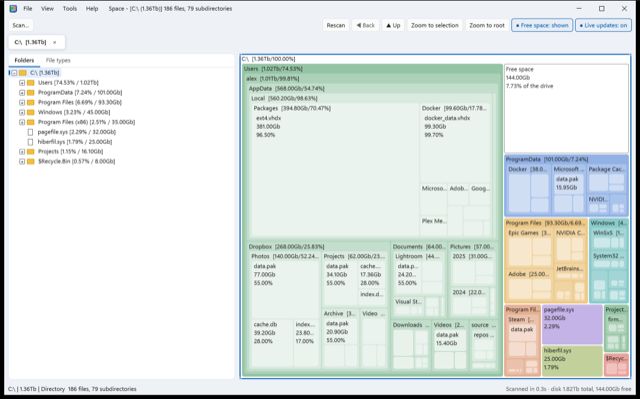
See what's filling your disk
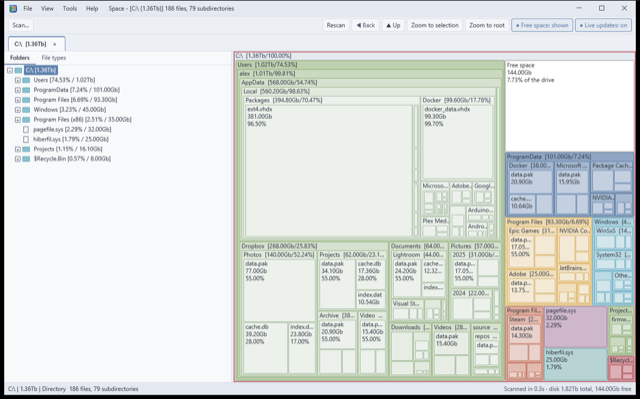
Space scans a folder, a whole drive, a WSL distro or a Docker container in seconds, and shows it twice: as a folder tree sorted largest-first, and as a treemap where the biggest boxes are where your space has gone.
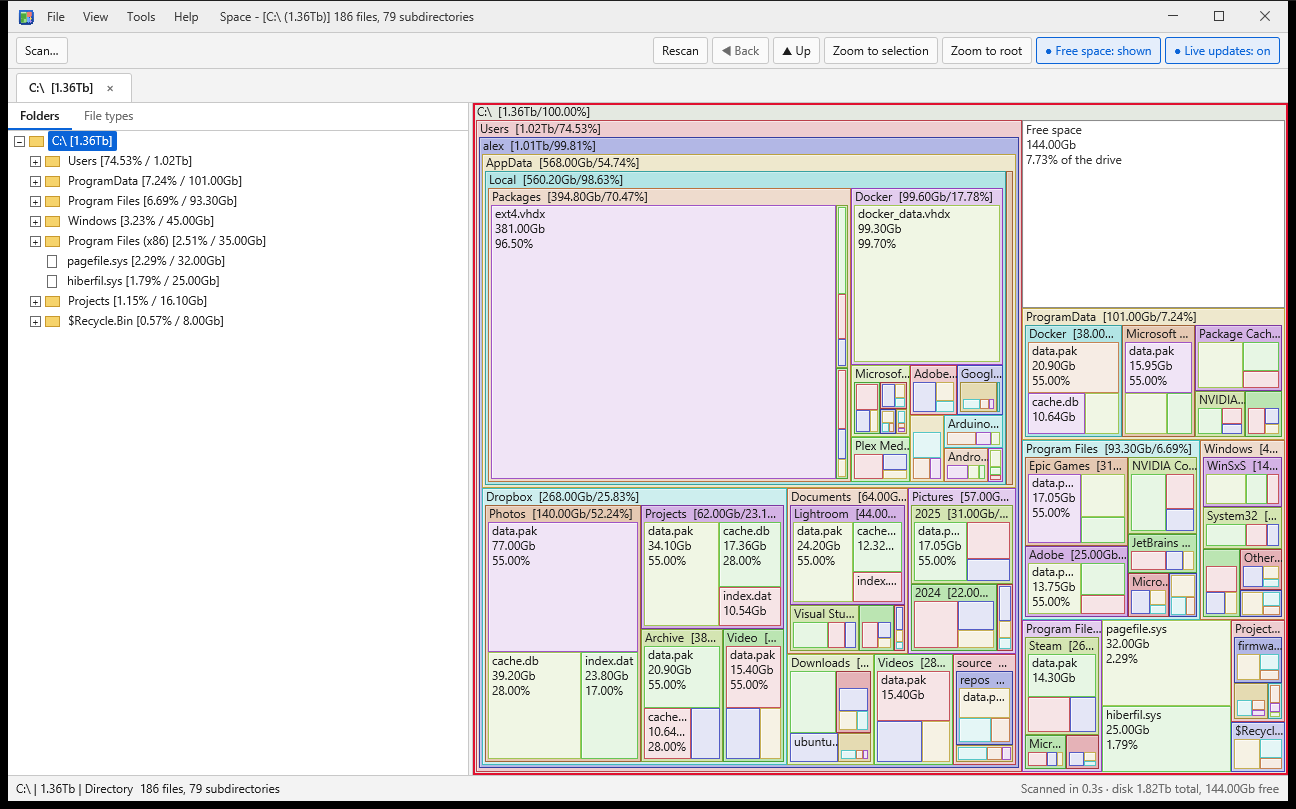
Fast, accurate, and always up to date
Written in Rust, Space reads your disk in parallel and never counts anything twice.
Fast
A whole drive with millions of files usually scans in 10 to 20 seconds. Scan several drives at once, each in its own tab.
Live updates
Space watches your drives and updates the view within a second of a change, re-reading only what changed. A 24-hour log shows what used or freed space.
Real on-disk size
Symlinks, junctions and mount points are shown but never followed. OneDrive and Dropbox online-only files count as zero, because they take no space.
Explore and clean up
Double-click to zoom into any folder, see which file types use the most space, and move things to the Recycle Bin or Trash, with confirmation.
Keyboard friendly
Every control works from the keyboard, with visible focus, Explorer-style keys in the tree, arrow keys in the treemap and a shortcut list on F1.
Private by design
No accounts, no analytics, no tracking and no network access. Nothing about your files ever leaves your computer.
Look inside WSL and Docker
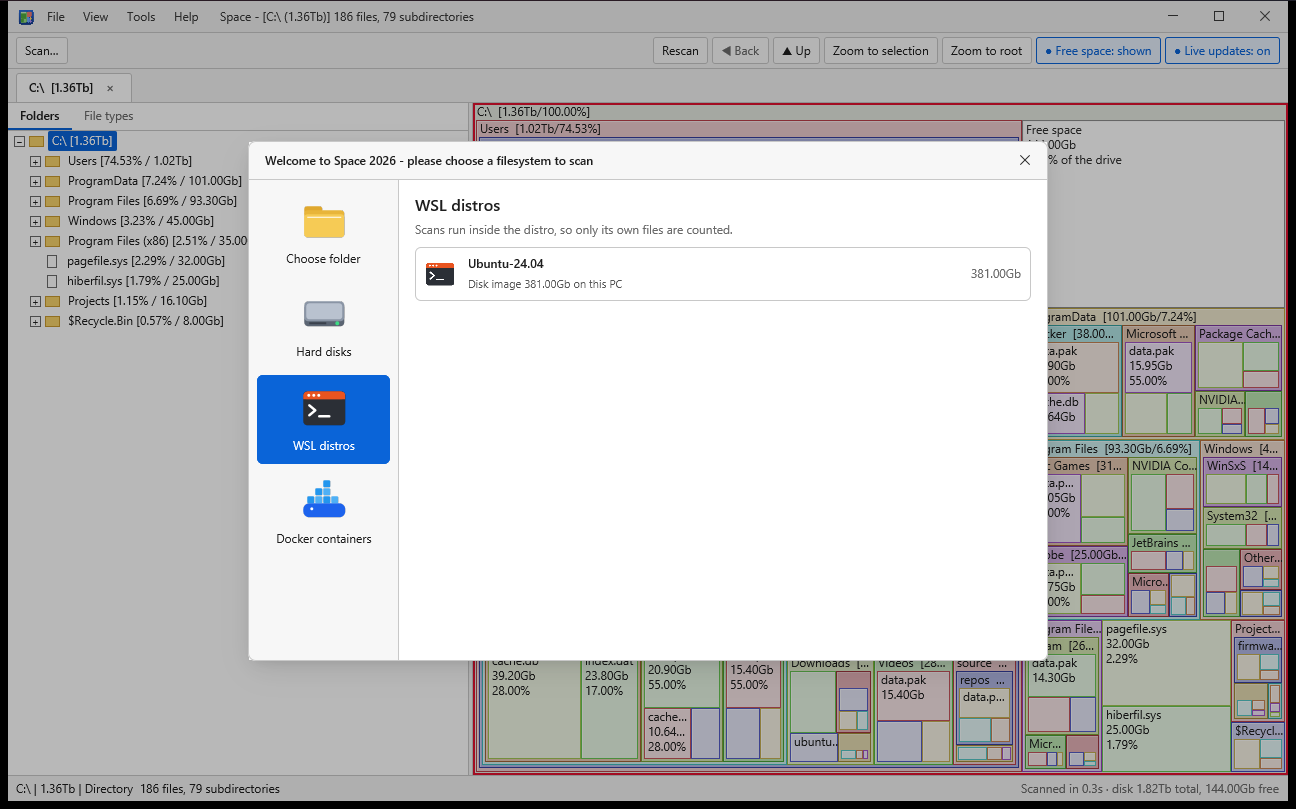
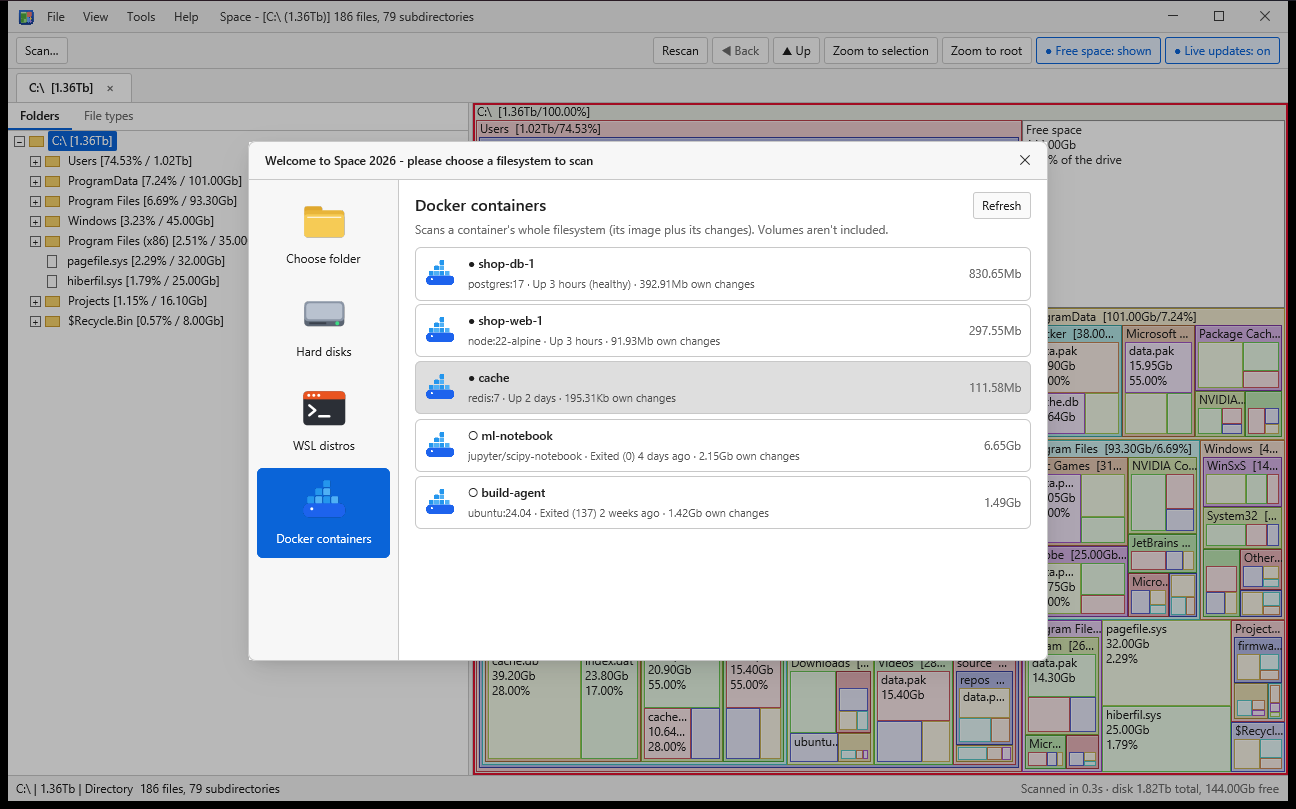
On Windows, Space goes where other disk tools can't: inside your Linux distros and containers.
Make it yours
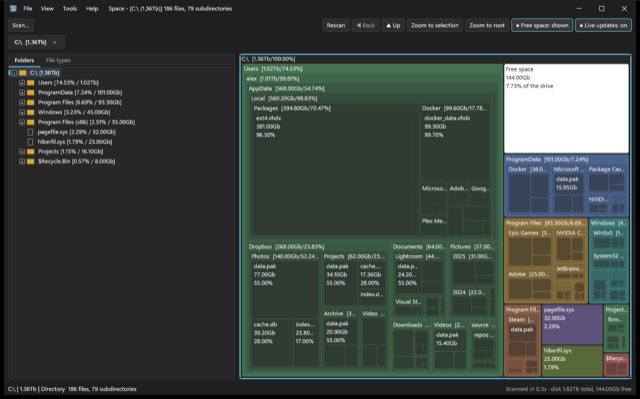
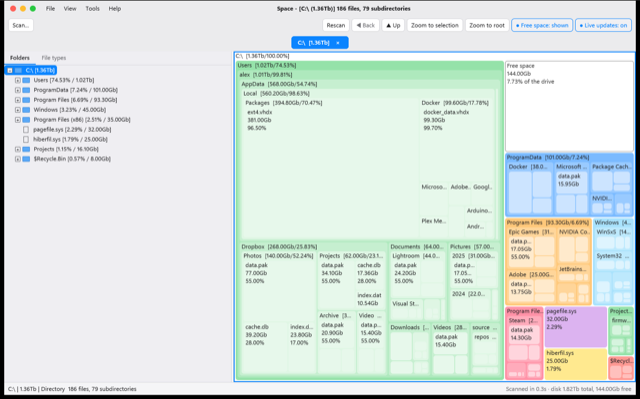
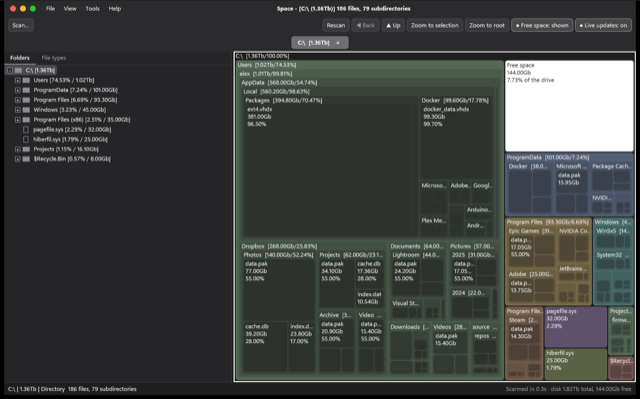
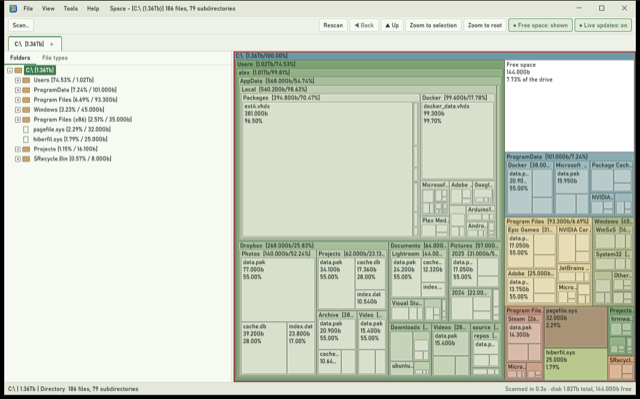
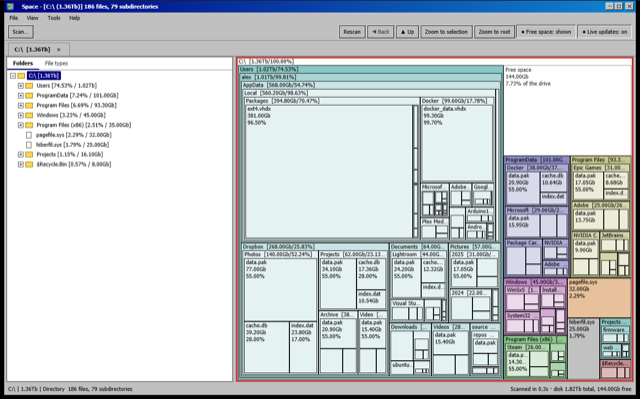
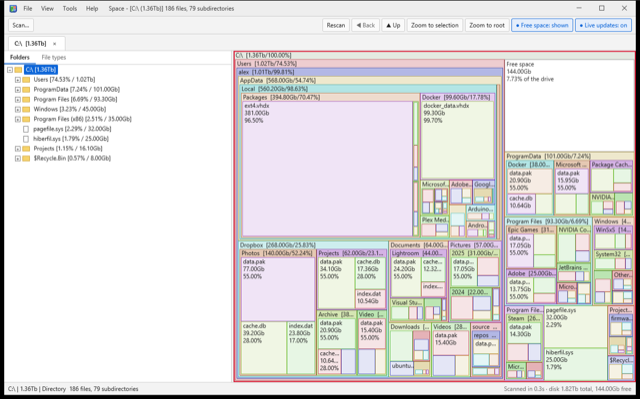
Eight looks, from Windows 11 Fluent to macOS, Arctic, Terrain and a faithful Retro 98. Pick one in Settings and the whole window restyles straight away.